Storage
Last reviewed: June 2, 2026
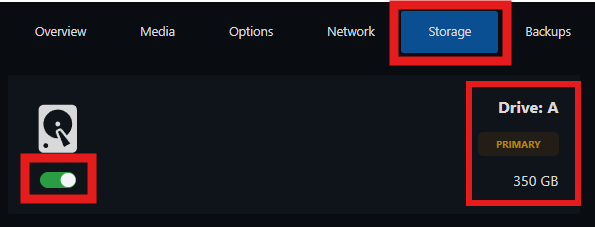
The Storage tab displays:
- All of your storage(s), if you purchase extra storage, it will be shown here
- You can enable/disable all the storage(s) you want to use
- Each storage will be identified by "A", "B", ...
- Your primary storage will have the associated tag ("Primary")
- Each storage will have its amount displayed (bottom left)