Media
Last reviewed: June 2, 2026
danger
Please do not change these settings unless you are an experienced or advanced user or are otherwise told to do so by a staff of 1of1 Servers.
You can do more harm than good
The Media tab displays:
Settings for CD/DVD-ROM
- CD/DVD's allow you to install the server manually or boot from a rescue disk.
- Select one of the options that will appear in the "CD/DVD-ROM" box then click "Insert".
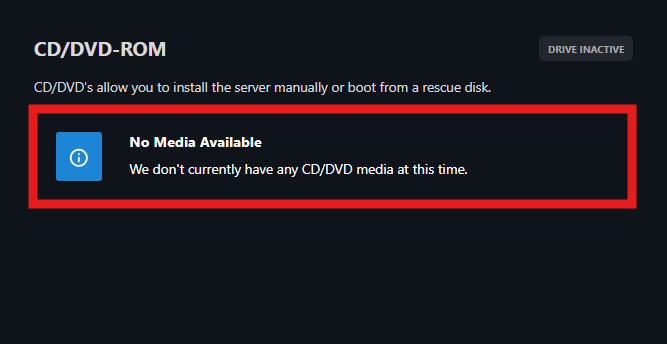
- It will automatically switch from "HDD" to "CD/DVD" and boot the server.
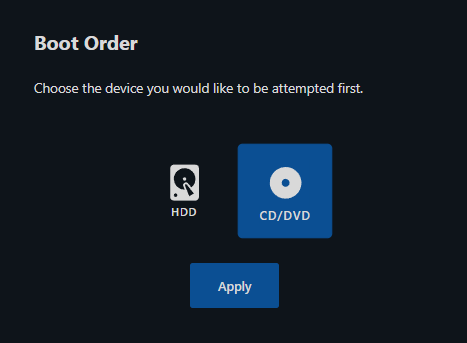
Boot Order
- Boot Order is helpful for recovering your system's Operating System by acting as a diagnostic tool and identifying problems that are then repaired as the boot process progresses.
- You are able to manually select the Boot Order (how your system will boot for the next time) between "HDD" and "CD/DVD", then click "Apply".
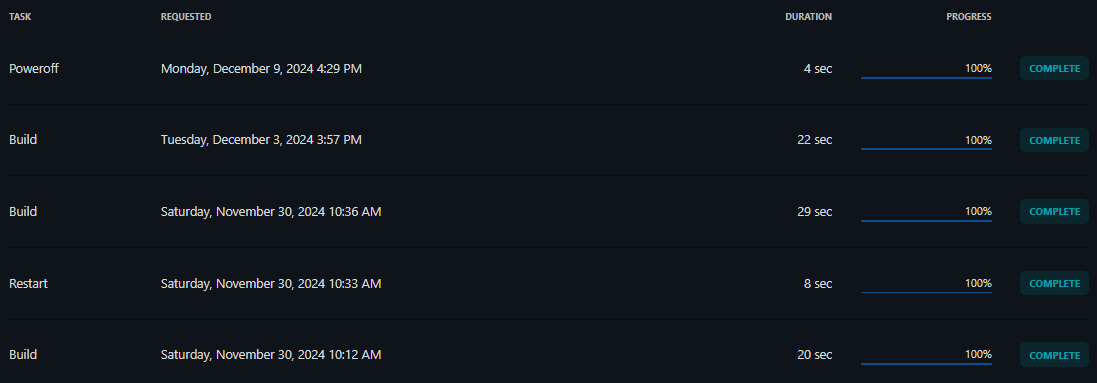
Recent Activity Log
- A log of your recent activities and tasks.
- Show the task, the date & time it was requested (or enacted), the duration of the task, the progress of the task, and the status of its completion.