Sever Management and Information
Last reviewed: June 2, 2026
Server
All the information and settings to do with your server, segregated into tabs:
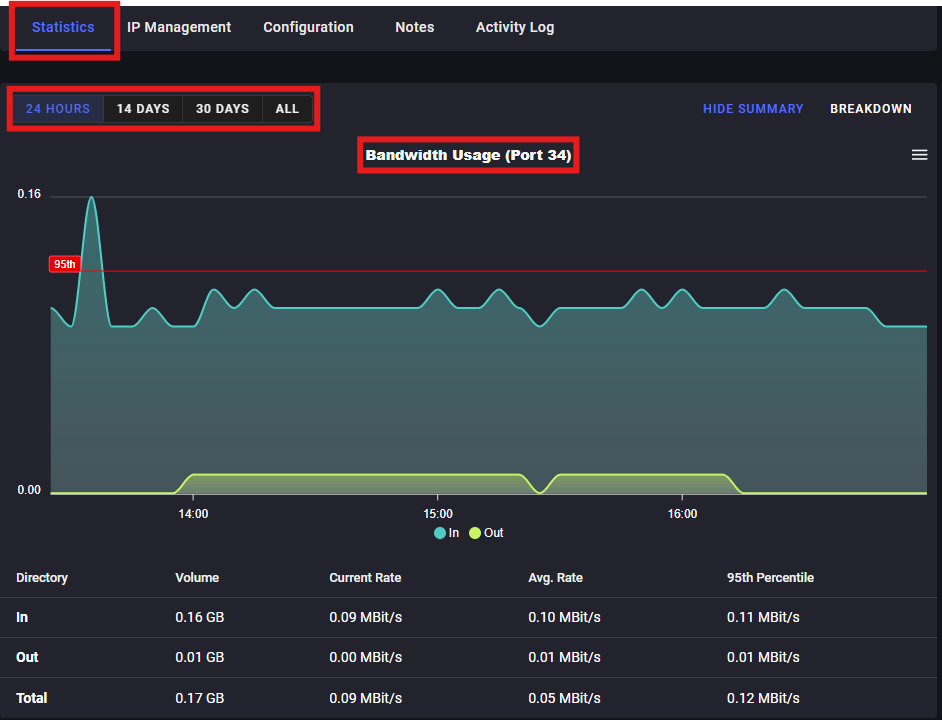
Statistics
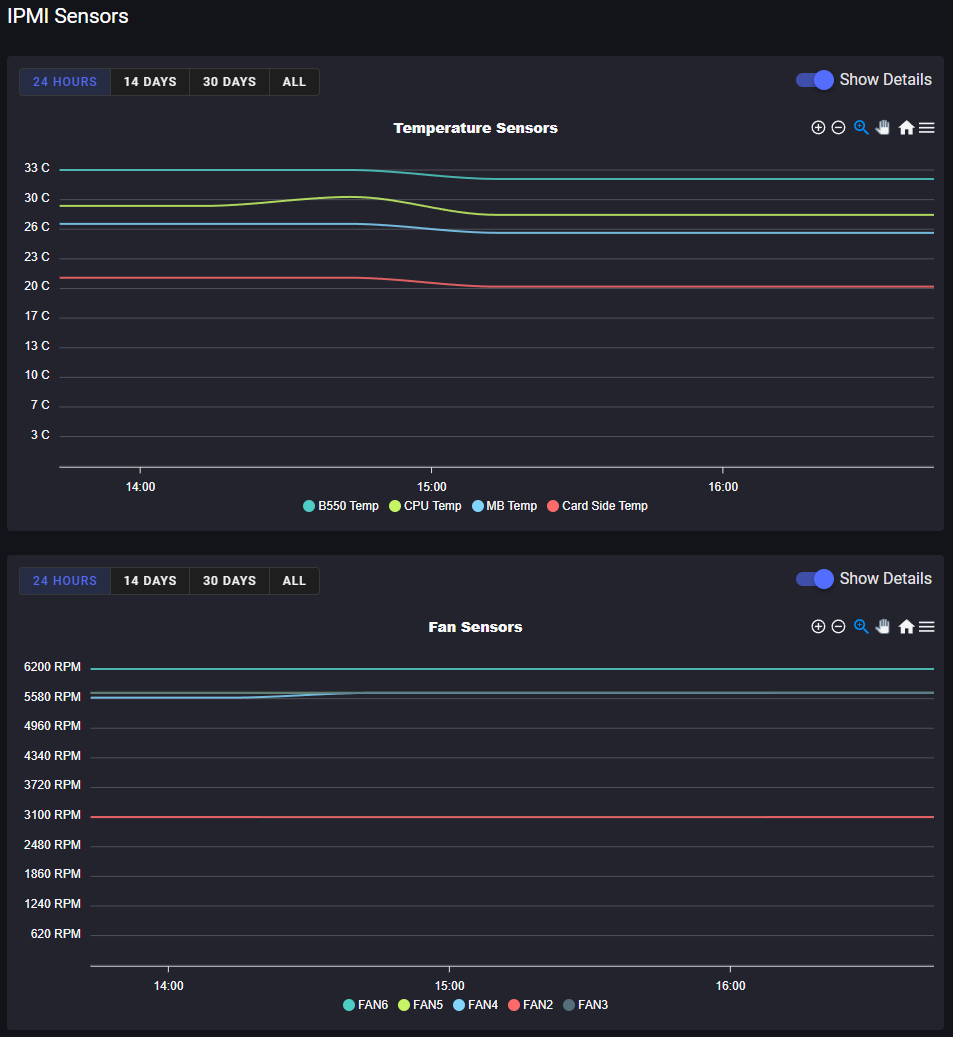
- Data metrics for the server's bandwidth and hardware (temperature and fans)
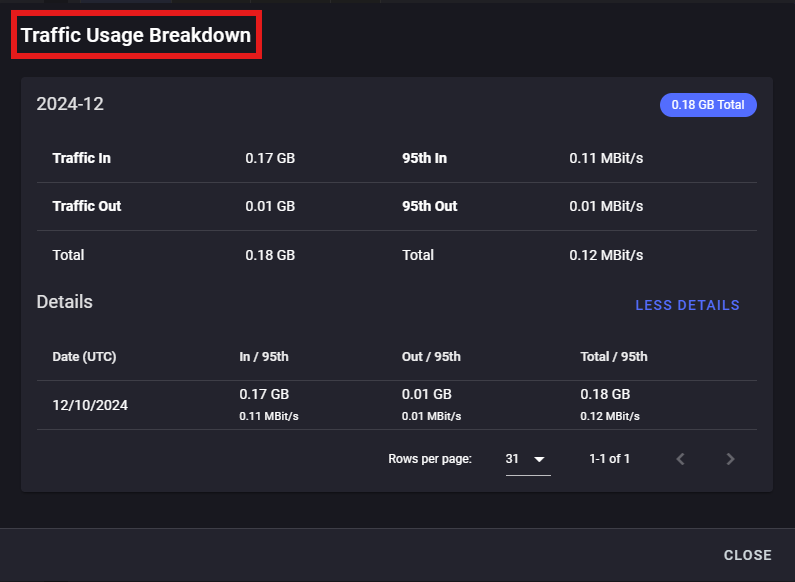
- Bandwidth displayed by a graph, or click the "Breakdown" option in the top right.
- IPMI Sensors displayed by a graph
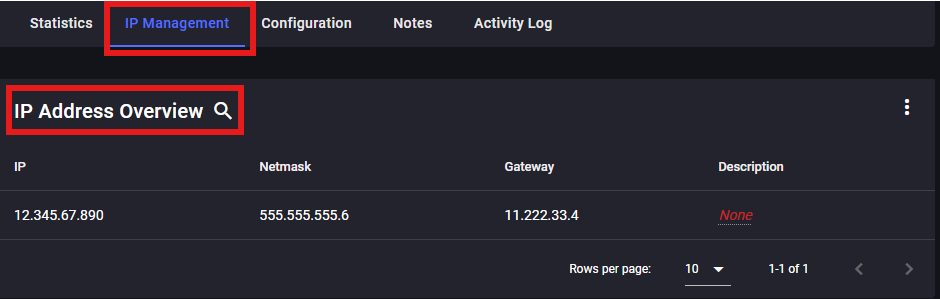
IP Management
- All the information surrounding your IP address covered under IP Address Overview
- The Primary Address, Netmask, Gateway, Description
Configuration
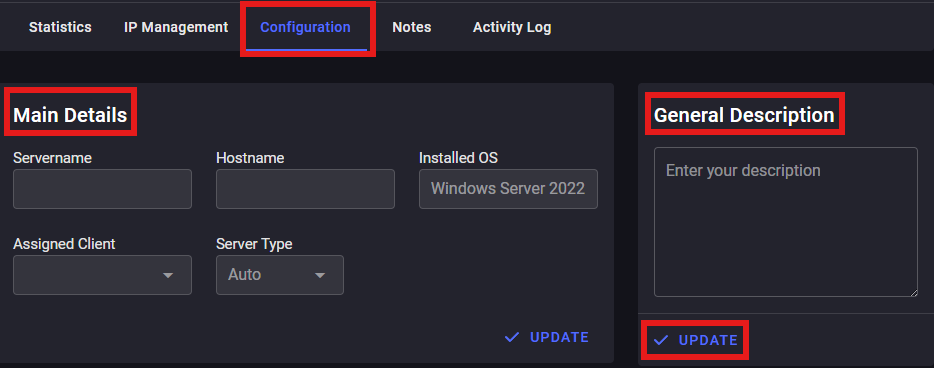
- The main details of your server
- Server Name, Hostname, OS, Assigned Client, Server Type, & General Description
- You cannot touch any of this information, other than setting a "General Description". Be sure to click "Update" after you're done!
- Server Name, Hostname, OS, Assigned Client, Server Type, & General Description
Notes
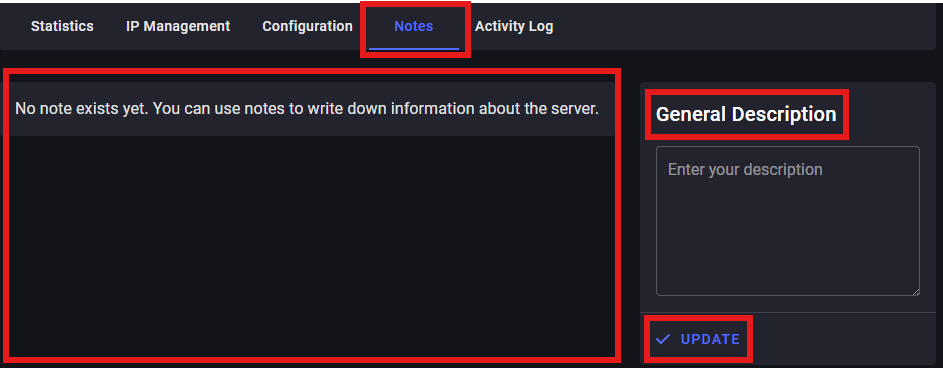
- Displays all a catalogue of the notes you have created (in the area currently indicating "no notes").
- You can create notes by writing in the box under "General Description". Be sure to click "Update" (again) after you're done!
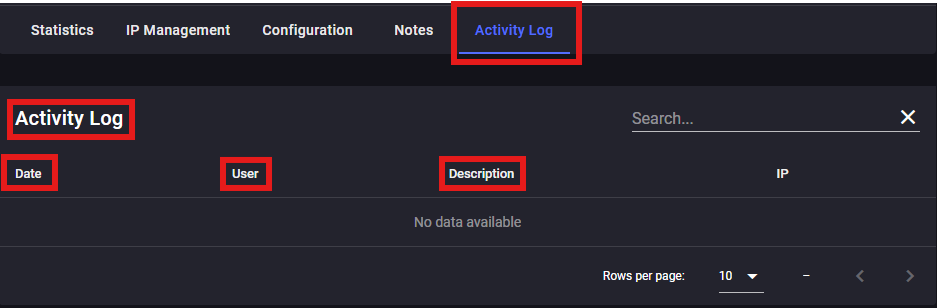
Activity Log
- And finally, the Activity Log tab will display the log of your activities
- Date, User, Description, & IP Location