Client Area
Last reviewed: June 2, 2026
Dedicated Server Dashboard
Welcome to your Dedicated Server Dashboard!
The 1Of1 Dedicated Server Dashboard provides you with a broad view of your account's activity and information, it displays:
Servers
Servers Menu
- All of your servers & their basic information:
- Power Status (On/Off), Server Name, Hostname, Primary IP Address, Operating System, & the server Type (Dedicated/VPS/Game/etc).
My Account
Account Menu
- Account Details
- Client Name, Username, Password, Two Factor Authentication, Email, Date & Time, IP Restrictions, & your assigned servers.
- Login History
- Date & Time, IP-Address, & User-agent.
- Access Log
- Date & Time, Response Code, Method, Request Source, & HTTP Endpoint.
Logs
Logs Menu
- User Log
- Date & Time, User ID, Result, Log, Affects, User IP, Request Source, & Action.
info
First Things First!
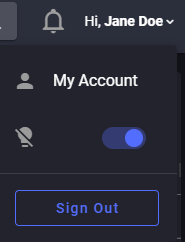
- Take care of your eyes and select your favourite theme!
- Top Right corner, select the dropdown and turn On/Off
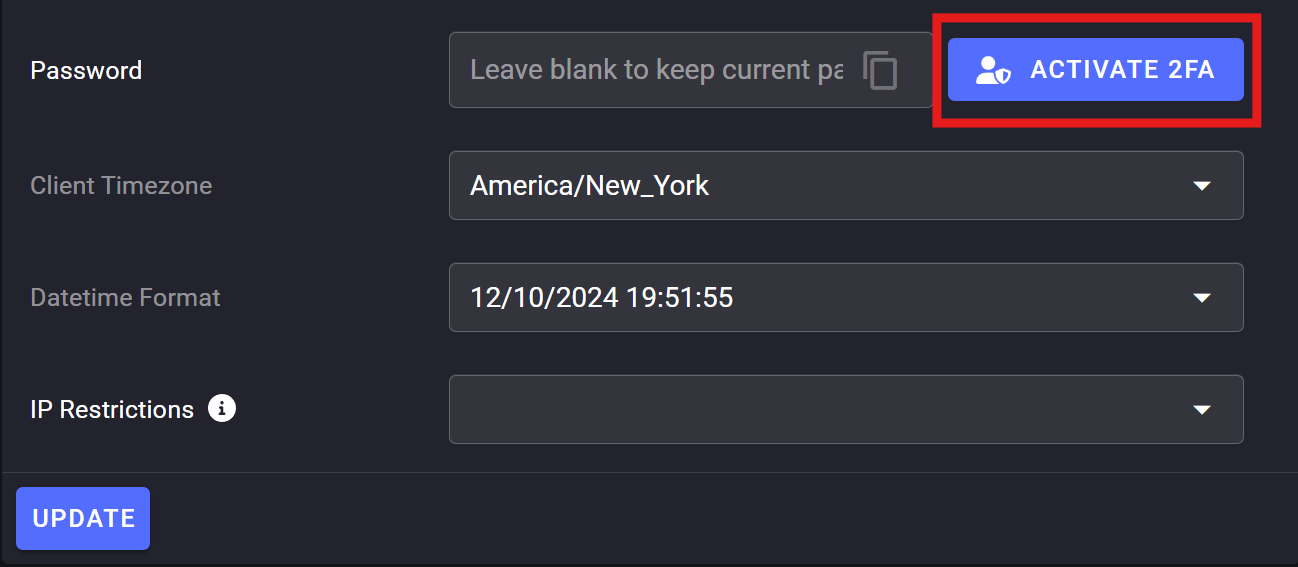
- Enable Two Factor Authentication
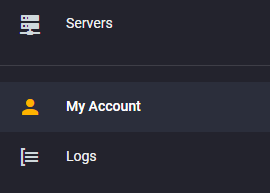
- Top Left corner, select "My Account", then locate the "Activate 2FA" across from the "Password" box
tip
Each of your services will have its very own dashboard to uniquely tailor your settings to that server's needs.
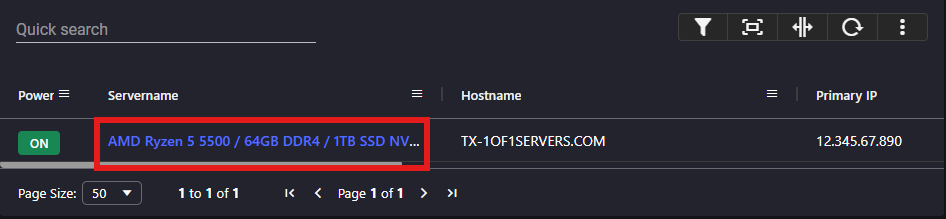
To manage a particular Server, locate it on the list of servers and click on the server's "Server Name".
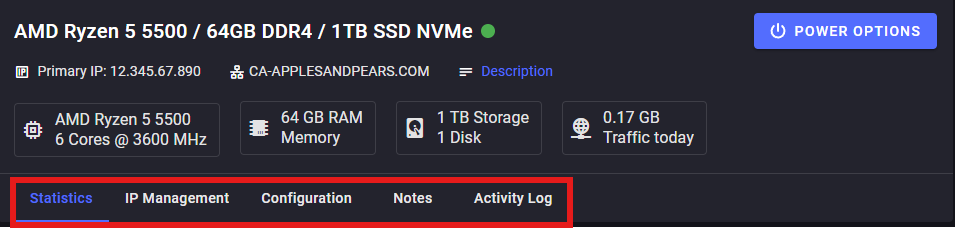
Your Dedicated Server's Dashboard will display:
- The server's specs (CPU/RAM/Storage/Traffic) and the Primary IP Address
- Information & Settings Tabs:
- Statistics page
- Configuration page
- Notes Page
- Activity Log Page
Console Feature
warning
This feature is for advanced users only, so please do not touch this unless you are knowledgeable in its functions or are told to do so by staff at 1of1 Servers.
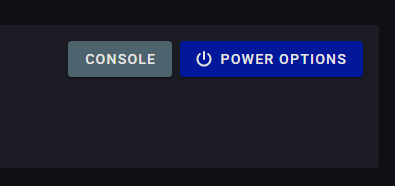
- A tool that lets you control and manage your server directly. You can use it to run commands, fix issues, and monitor your server in real time.
Go through the next pages if you want the nitty gritty details for each tab!