Script Config
Last reviewed: June 2, 2026
We have created a YouTube video tutorial to walkthrough the essential setup, see below!
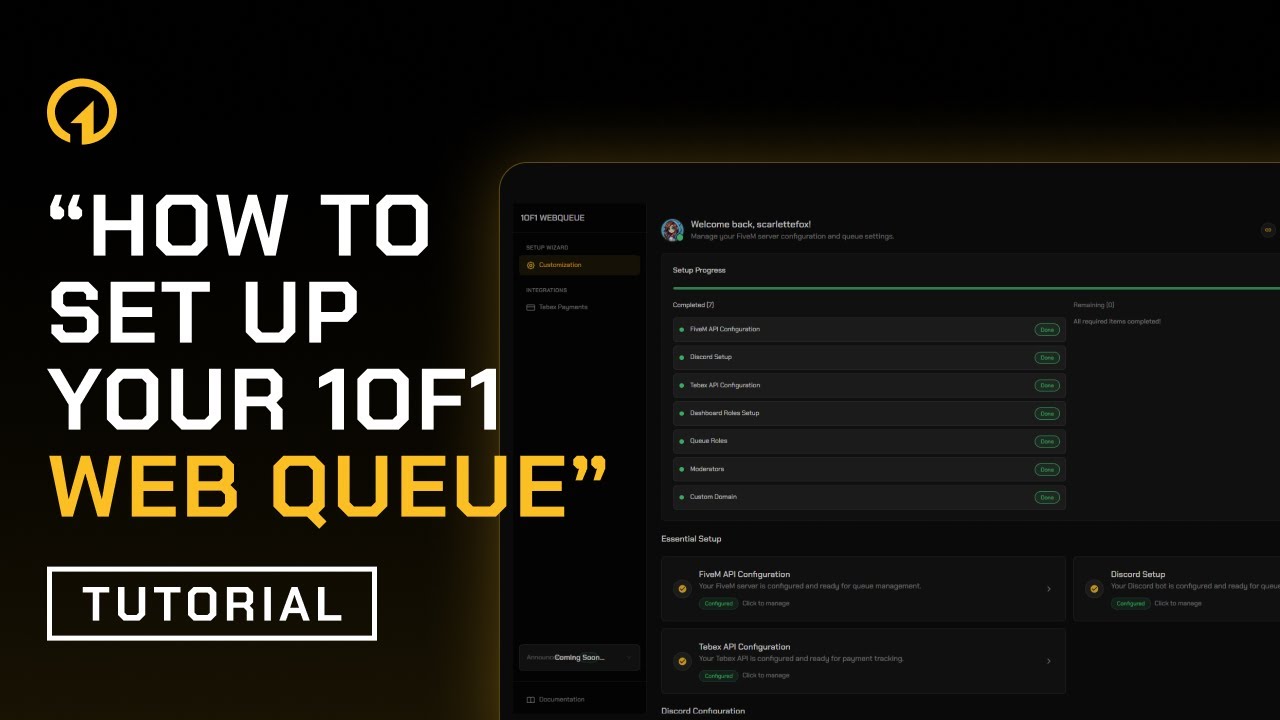 Web Queue Setup Tutorial
Do not rename the resource.
The script must be named exactly 1of1-webqueue. Renaming it will break the API connection.
Discord role
Make sure you have the Web Queue role in the 1of1 Scripts Discord after purchasing the script on Tebex. Without this role, you won't be able to access the dashboard to set up your script.
If you don't see the role, just run /claim in any Discord channel to automatically receive it from Tebex.
Download the 1of1-webqueue resource file
Once you have placed your order via the Tebex store, open the email titled "You have been granted access to 1of1-webqueue"
Click on the "Open Cfx.re Asset Manager" button, and download the resource.
Once download, unzip the folder and drag it into your resources folder.
Ensure script on server.cfg
ensure 1of1-webqueue
Make sure this line is placed right after your core framework resource (for example, your main framework/core script). This ensures the web queue loads correctly and can communicate with your server as intended.
Example using QBCore:
API Configuration on server.cfg
Add both of the following lines to your server.cfg.
Very Important - READ BEFORE YOU COPY AND PASTE THIS!
DO NOT just copy-paste the example values.
1of1webqueue_api_keyis your secret API key.
- This must be a strong, random password that you generate yourself.
- The key can only be 10 characters and under.
- Do not leave it as
ChangeMeASAPDoNotLeaveMeDefaultOrBadThingsWillHappen.- Do not use the same key as in the docs or examples.
- If you leave it as default, other people can connect to your API and pull your data.
1of1webqueue_api_portshould normally be your FiveM server port (for most servers this is30120, unless you changed it).You should never leave
ChangeMeASAPDoNotLeaveMeDefaultOrBadThingsWillHappenin your live config.
# 1of1-webqueue API config
set 1of1webqueue_api_key "ChangeMeASAPDoNotLeaveMeDefaultOrBadThingsWillHappen"
set 1of1webqueue_api_port "FiveM Port"

# Read more about these convars in our docs under the Available Convars tab.
set 1of1webqueue_auth_timeout 60
set 1of1webqueue_reject_message "Join our queue at https://waitqueue.com/"
API Port
The API port must be open for both TCP and UDP traffic. This should be the same as your FiveM server port, in most cases it's already open, but if it isn't, make sure to open it now.
Restart your FiveM Server
Restart your FiveM server so the script loads, then test the health endpoint from both inside and outside the server.
- From inside the VPS/Dedicated server (open a browser on the server):
http://127.0.0.1:30120/1of1-webqueue/api/health - From outside the server (your PC or any external device):
http://YourServerIP:30120/1of1-webqueue/api/health
If both checks return the below message then everything is working correctly.
"error": "Access denied"
If the external check does not respond or can't connect, your hosting provider is likely blocking the port/route. Contact them to allow the connection.