Starting WARDOGS
Last reviewed: October 15, 2026
Your WARDOGS server is managed through the WARDOGS RCON Dashboard. The login details for it are provided in the RCON page of your Game Server Dashboard.
warning
1of1 Servers does not provide support for the WARDOGS RCON Dashboard. Our support covers the Game Server Dashboard provided by 1of1 Servers for your game server only.
Signing In to the RCON Dashboard
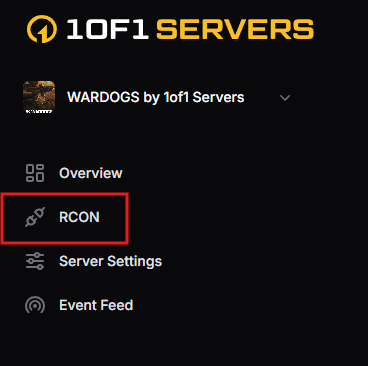
- In your Game Server Dashboard, open the RCON page from the menu on the left-hand side.
- Click OPEN WARDOGS RCON at the top right of the page. The RCON Dashboard login page opens.
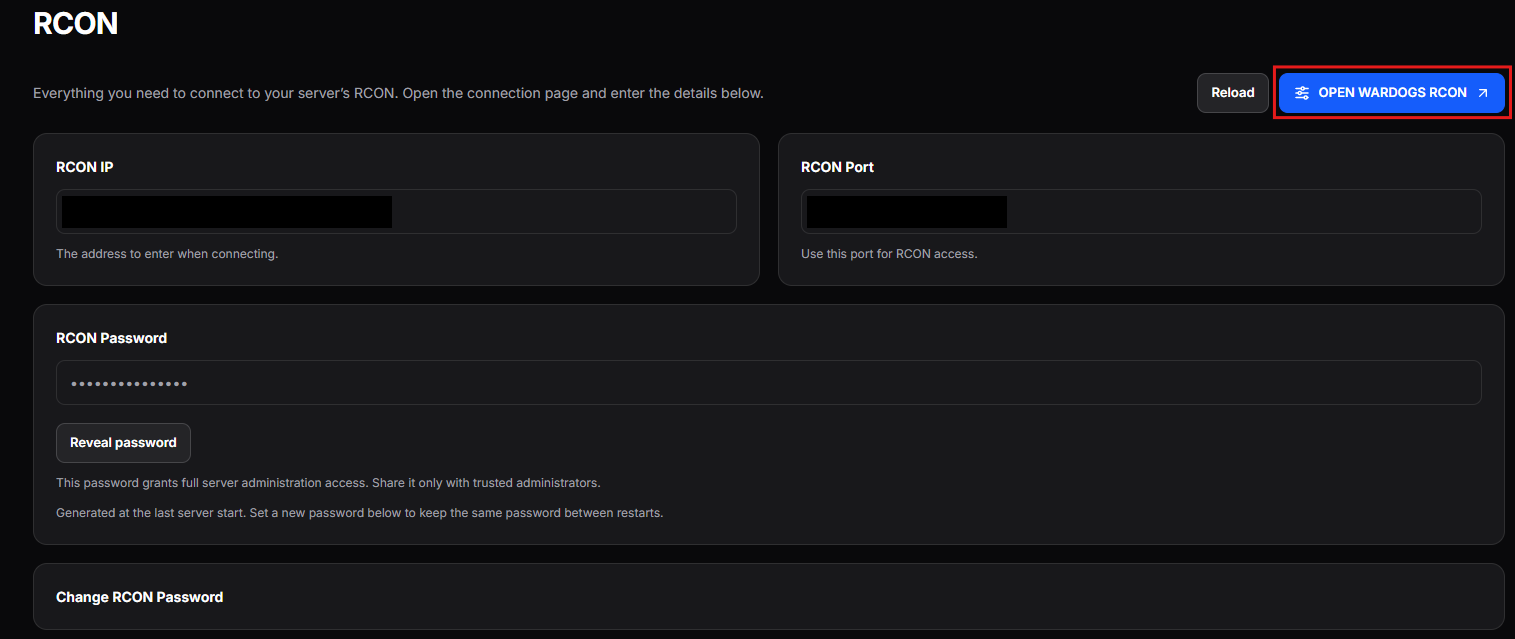
- On the login page, enter the RCON IP and RCON Port shown on the RCON page.
- For the password, click Reveal password on the RCON page, then copy the password and paste it into the login page.

- Sign in. You can now manage your server from the WARDOGS RCON Dashboard.
danger
Your RCON password grants full administration access to your server. Only share it with administrators you trust.
info
A new RCON password is generated each time your server starts. To keep the same password between restarts, set your own in the Change RCON Password section of the RCON page.