Starting Minecraft
Last reviewed: October 12, 2026
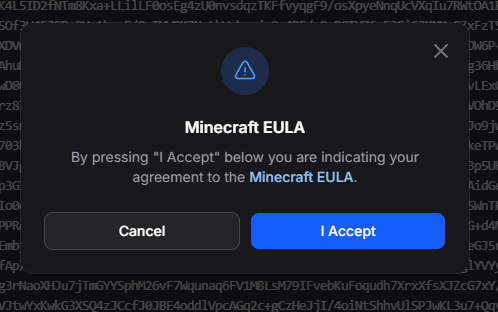
Before your Minecraft server can run, you must agree to the Minecraft End User License Agreement (EULA). You will be asked to do this the first time you start your server.
Starting Your Server
- Go to the Console and click Start.
- A Minecraft EULA window appears. Click the Minecraft EULA link to read the terms.
- Click I Accept to agree to the EULA.
Your server will continue starting up. Once it has finished, it is ready to play!
info
If you click Cancel, your server will not start. Click Start again to bring the EULA window back up.