Starting KCD:MP
Last reviewed: October 4, 2026
Our Kingdom Come Deliverance 2 servers are equipped for all you would need for a vanilla experience in the new Multiplayer Gamemode.
All you need to do to get started is create a database, then attach it to KCD:MP.
Creating Your Database
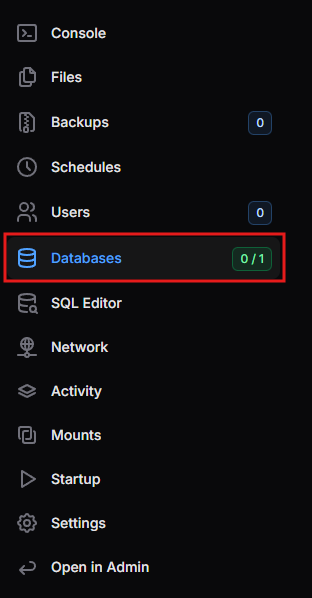
- Open the Databases page from the menu on the left-hand side.
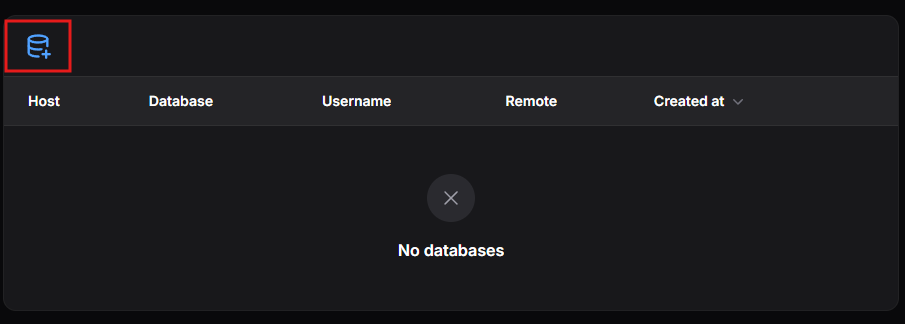
- Click the Create Database icon at the top left of the page.
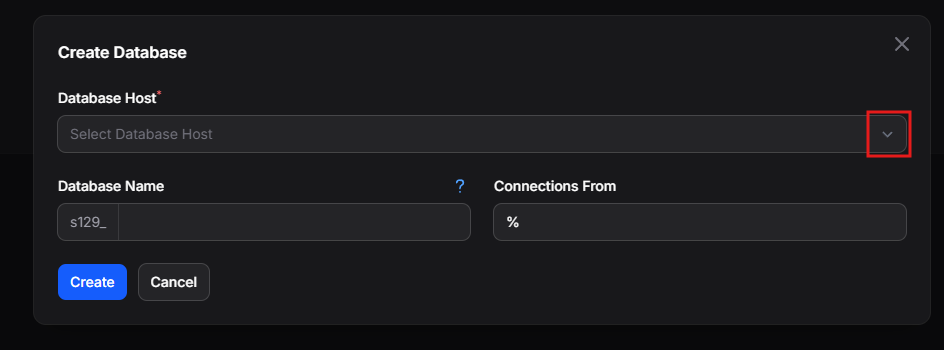
- Click the Database Host dropdown.
- Select the database host from the list, then click Create.
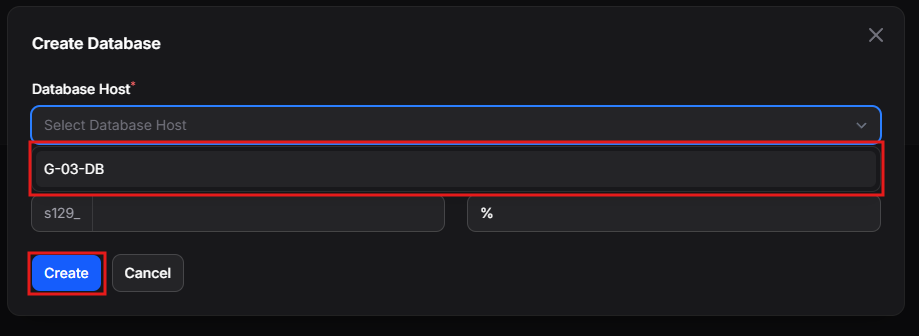
You do not need to fill in the Database Name or Connections From fields. For more on managing databases, see the Databases guide.
Initializing the Database
- Go to the Console and click Start to start your server. This creates the database.
- Once your server has fully started, click Stop to shut it down.
Attaching the Database
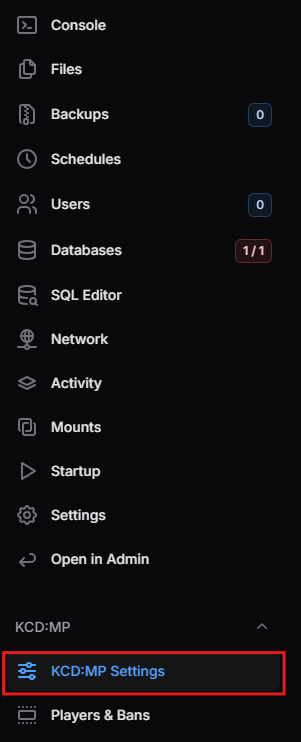
- Open KCD:MP Settings from the KCD:MP section of the menu.
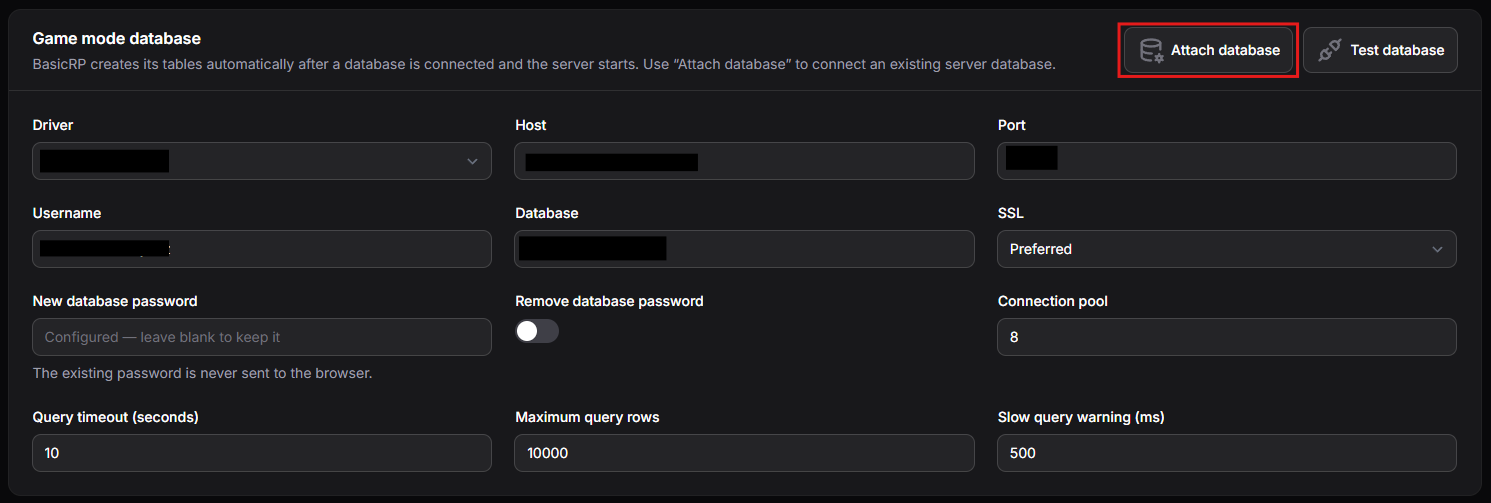
- Locate the Game mode database section and click Attach database.
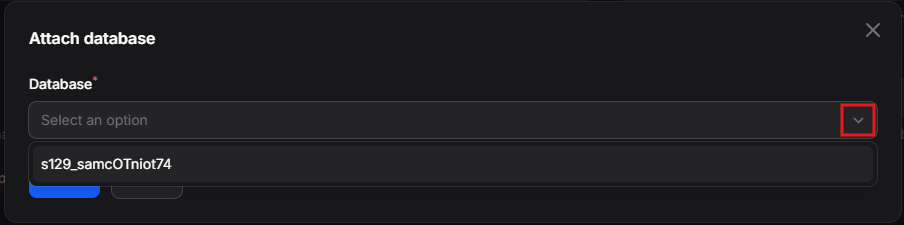
- Click the dropdown arrow and select the database you just created.
- Click Submit.
Click Test database to confirm KCD:MP can connect to your database.
Finishing Up
To complete the setup, go back to the Console and click Start. Your server is ready to play!
Troubleshooting: "protocol not supported" Error
If players see an error like the one below when joining, your server is running an older version of KCD:MP than their game:
NETWORK peer 0 (<player IP>:<port>): rejected (protocol 69 not supported (server speaks 68). This server runs an older KCD:MP than yours - its owner has to update it)
To fix this, update your server's KCD:MP version:
- Open the Startup page from the menu on the left-hand side.
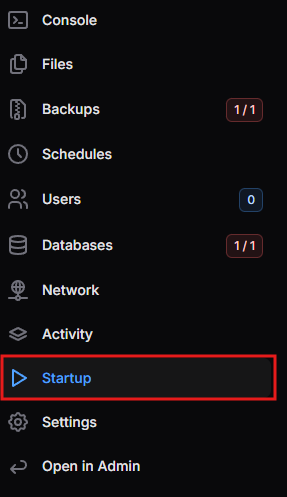
- Find the KCD:MP Version variable and change it to the most recent version number, for example
0.38.0at launch.
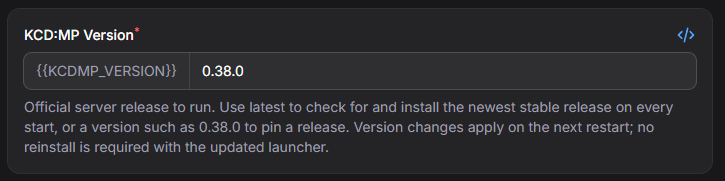
- Restart your server from the Console. No reinstall is needed.
Set the KCD:MP Version to latest to automatically check for and install the newest stable release every time your server starts.