Modpack Manager
Last reviewed: June 2, 2026
The Modpack Manager tab will be your best friend for installing your favorite modpacks onto your server. It's as easy as clicking "Install" then "Play"!
info
This example will use a Minecraft Server. However, the features, functions, and instructions remain the same for other games.
To install a modpack:
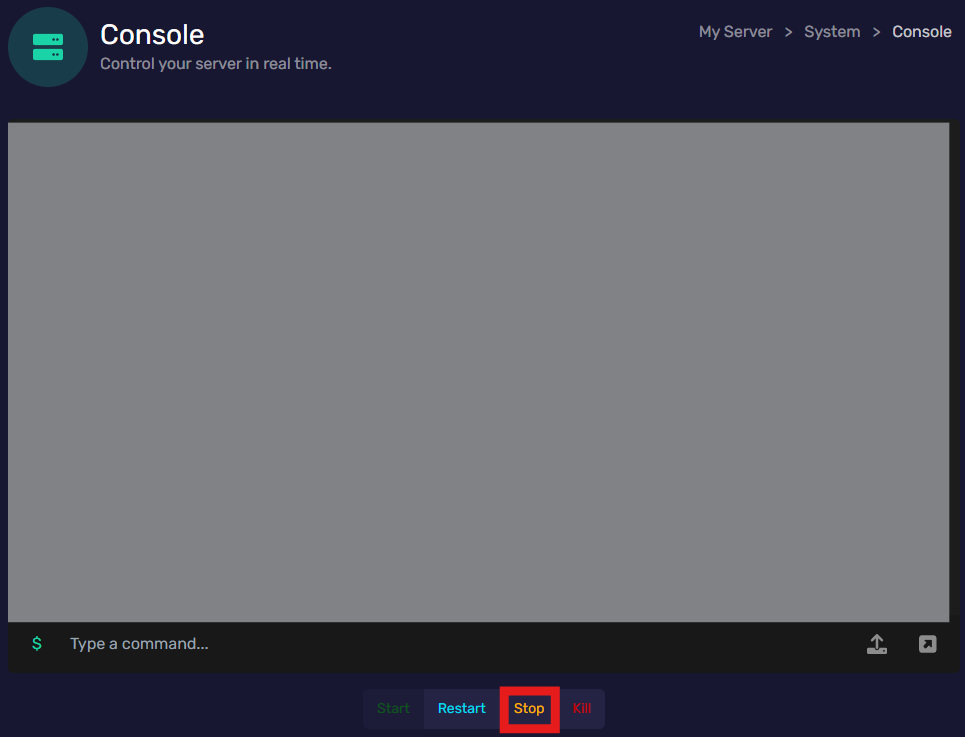
- Start by powering off your server in the Console tab by clicking "Stop", and;
- Go to the Modpack Manager tab in the Tools menu, and;
- Find the modpack you like, the tab displays:
- The modpacks name
- Description of the modpack
- Total number of downloads
- and the "Install" button
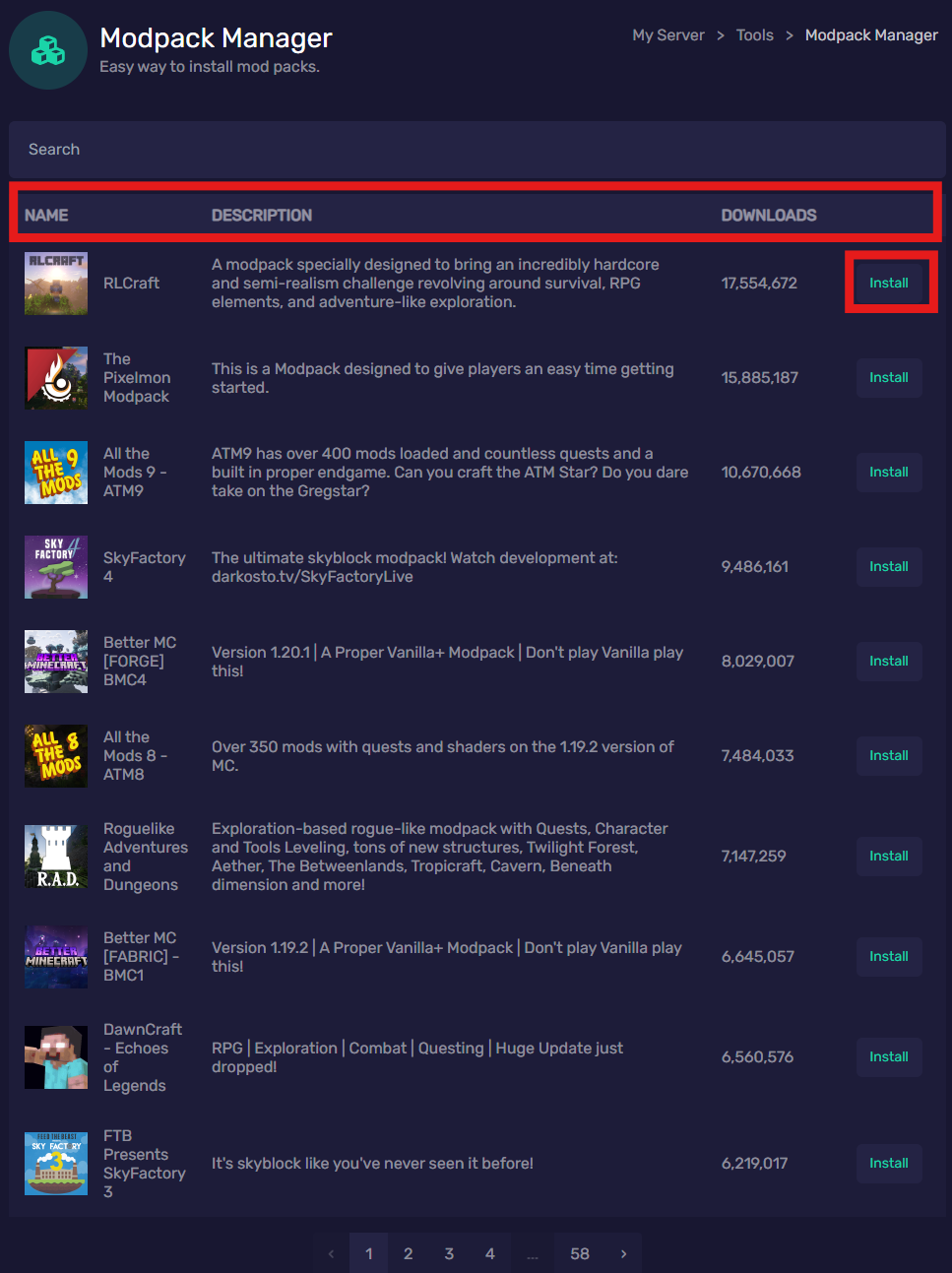
- Click "Install", and;
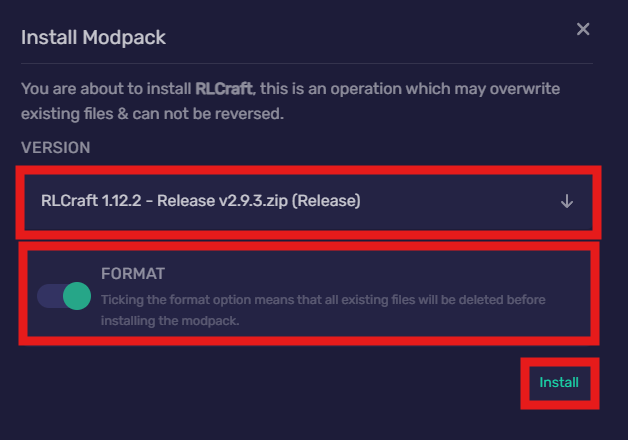
- A prompt will appear after clicking "Install", make sure you:
- Select the Version you would like to install by using the drop-down, and;
- Enable the Format option so that all files will be compatible, switch the toggle button to on, and;
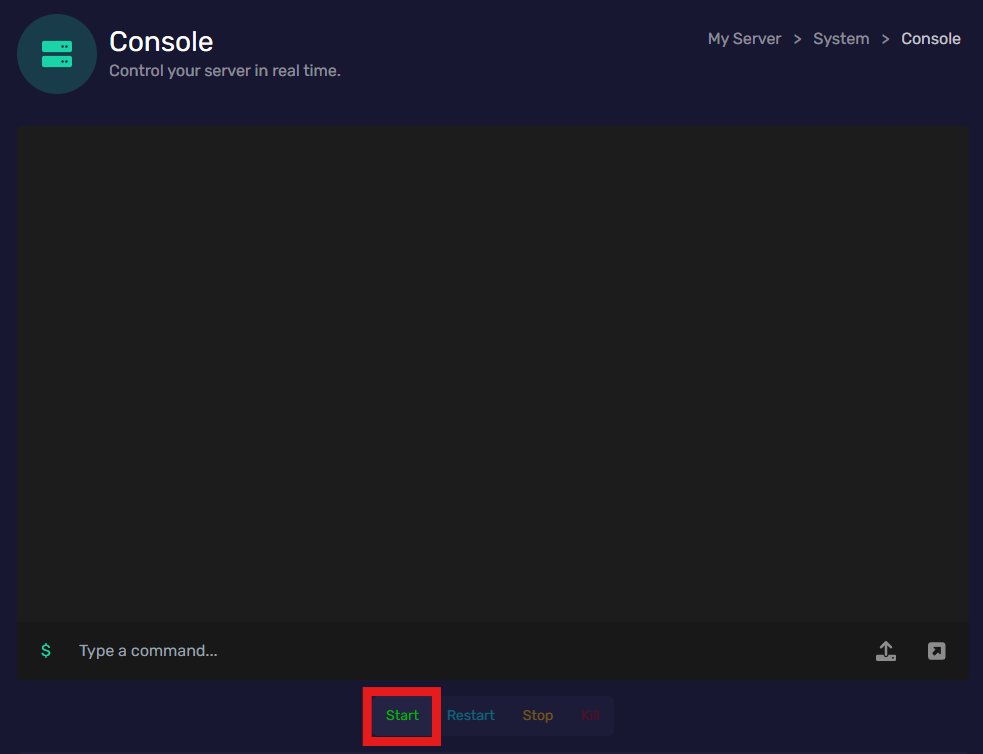
- Go back to the Console tab and click "Start".
Congratulations!