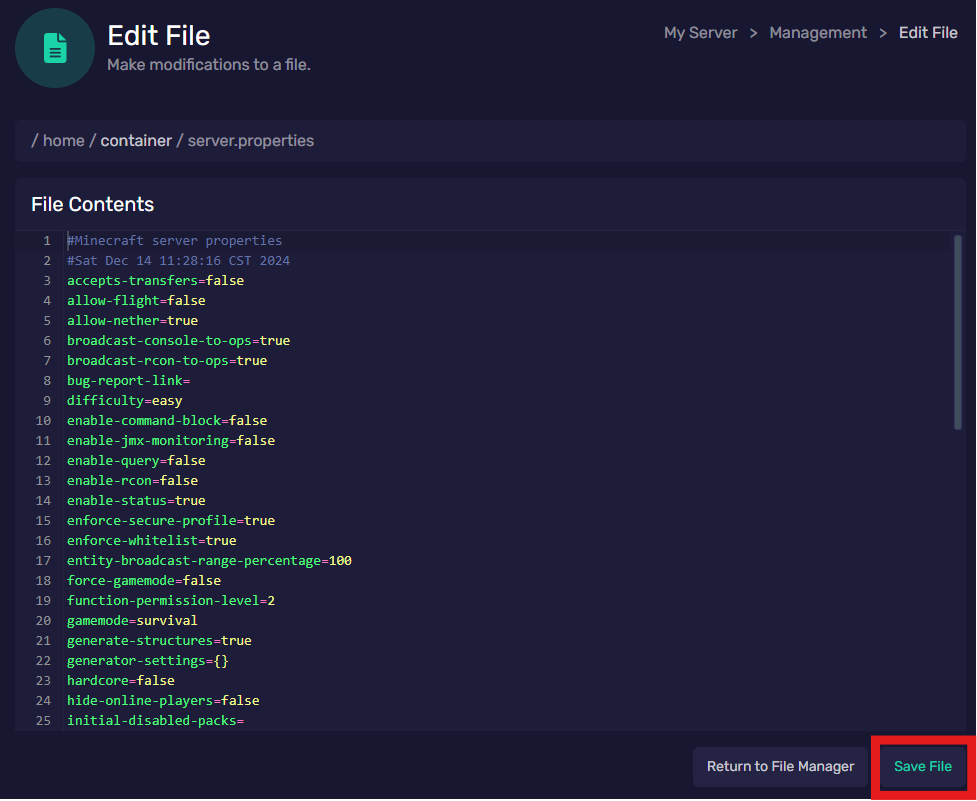
File Manager
Last reviewed: June 2, 2026
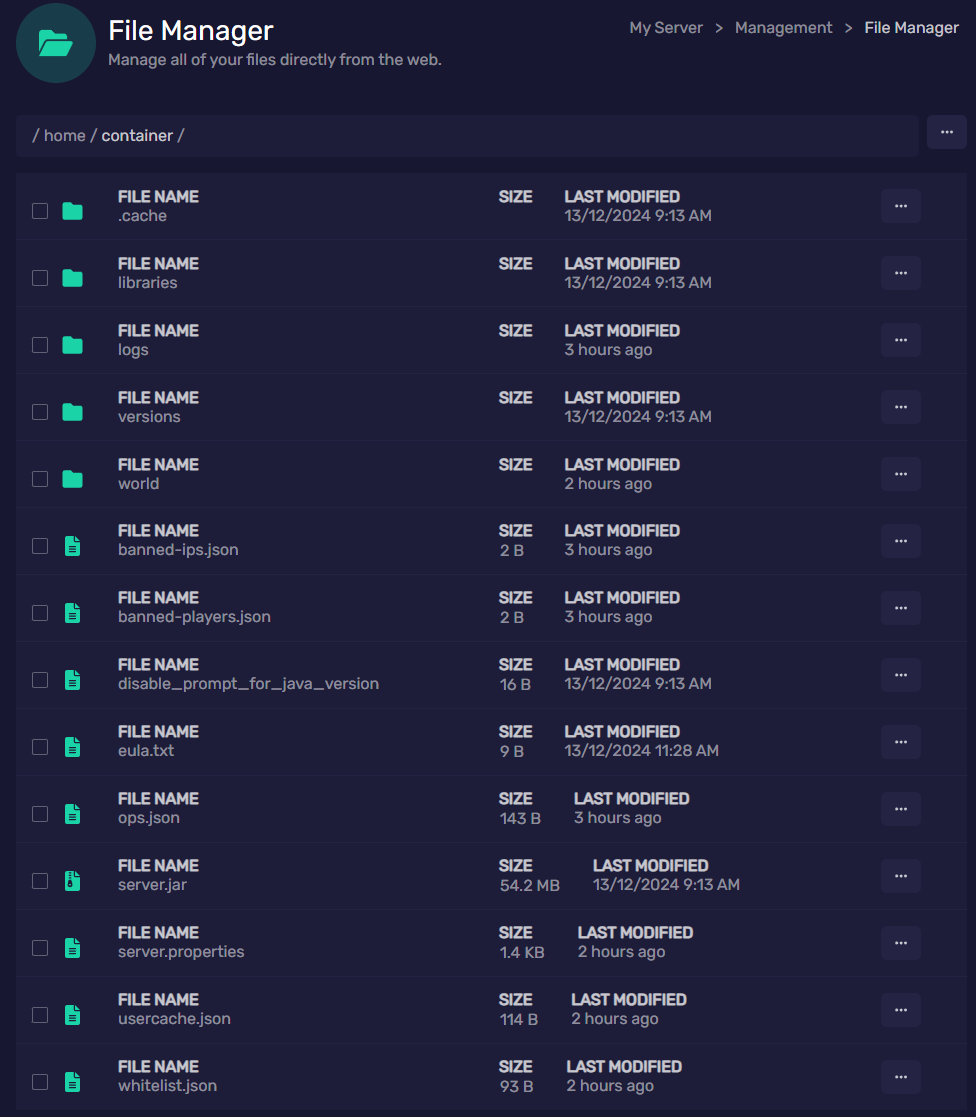
This library will allow you to manage the core files of your minecraft server. Do not do so unless you have already created a backup of your current server (learn how to do so in the Backups guide). Do not add/remove contents in this library unless it is through an SFTP and you are an experienced user.
When modifying files within this library, it is always best to power off your server to ensure there are no data hiccups, damage, or oopsies. Always protect your precious data!
Basic modifications are okay, such as the boolean settings within the server.properties file.
When you are finished modifying a file, always ensure to click "Save File", or all your hard work will be lost!
Example: server.properties file for Minecraft Game Server