Login Creation & Linking Discord
Last reviewed: June 2, 2026
Congratulations on your shiny new game server! Now it's time to set it up and connect, and start inviting your friends for the adventure.
Step 1
Create your Login for your Game Server Dashboard
- You will receive an email after your purchase titled "Account Created":
- Click "Setup Your Account" and follow the instructions to create your password for the Game Server Dashboard.
Step 2
Link your Discord
danger
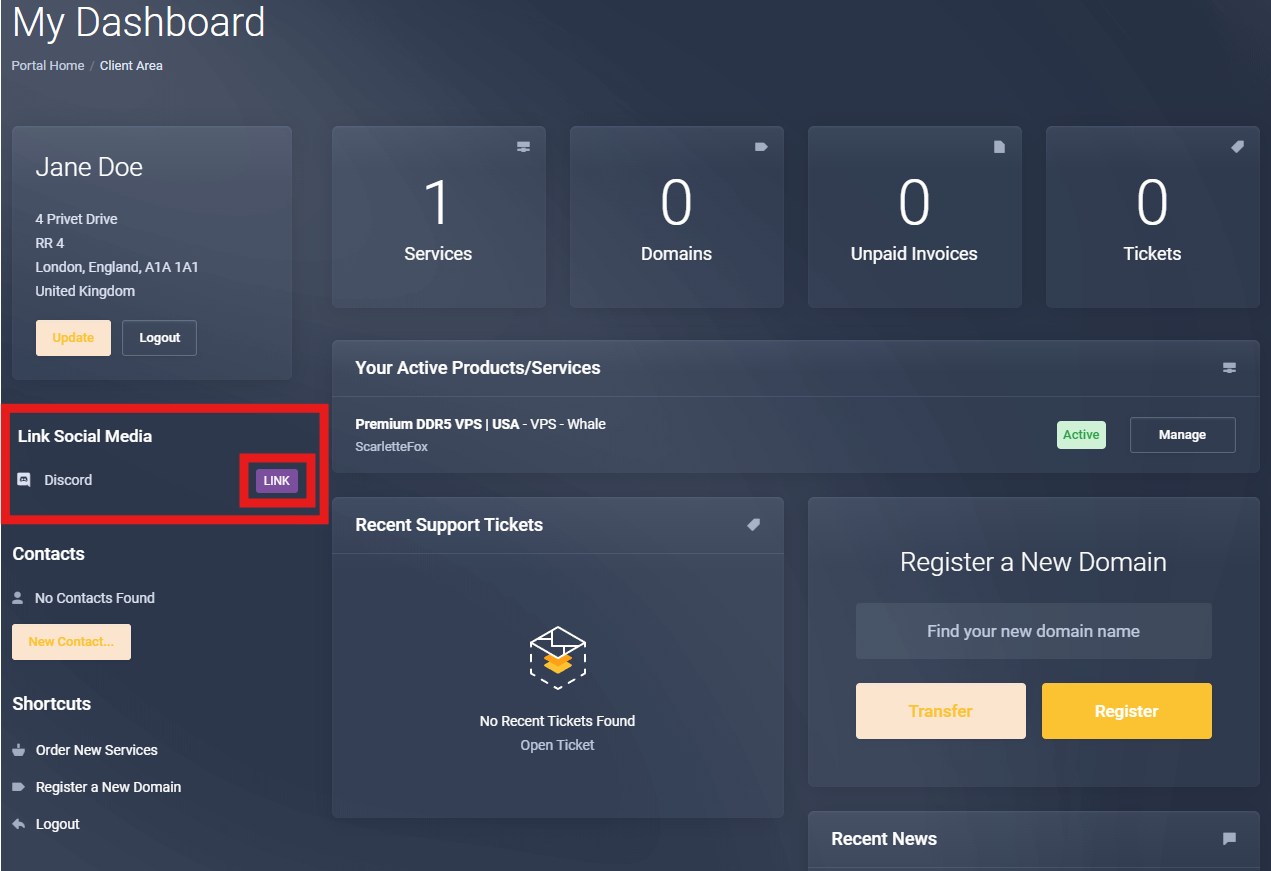
Go to your Client Area within the billing portal, and ensure you link your Discord.
This is a critical step to avoid deployment issues and suspension of your newly acquired services!
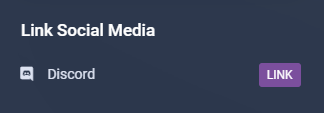
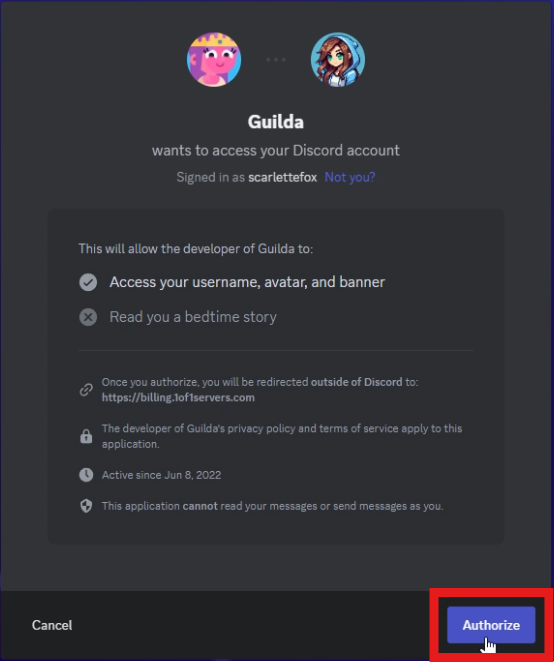
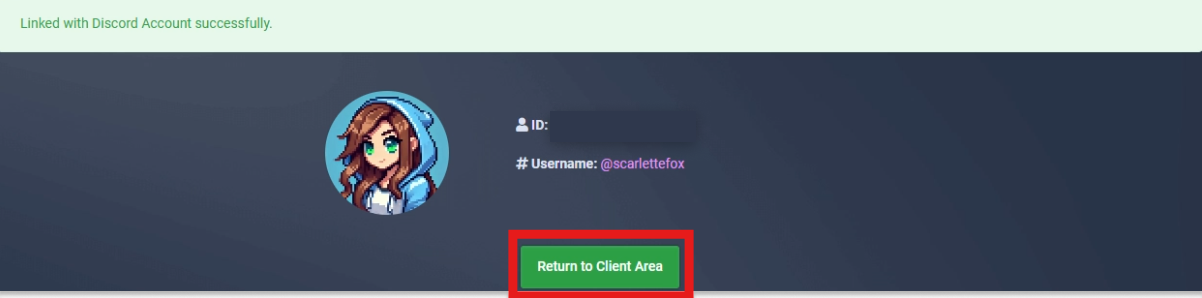
- To link your discord, locate the Link Social Media section on the left-hand side of your Client Area and click Link.
Now that you have the keys to the kingdom, let's move on to the next step!